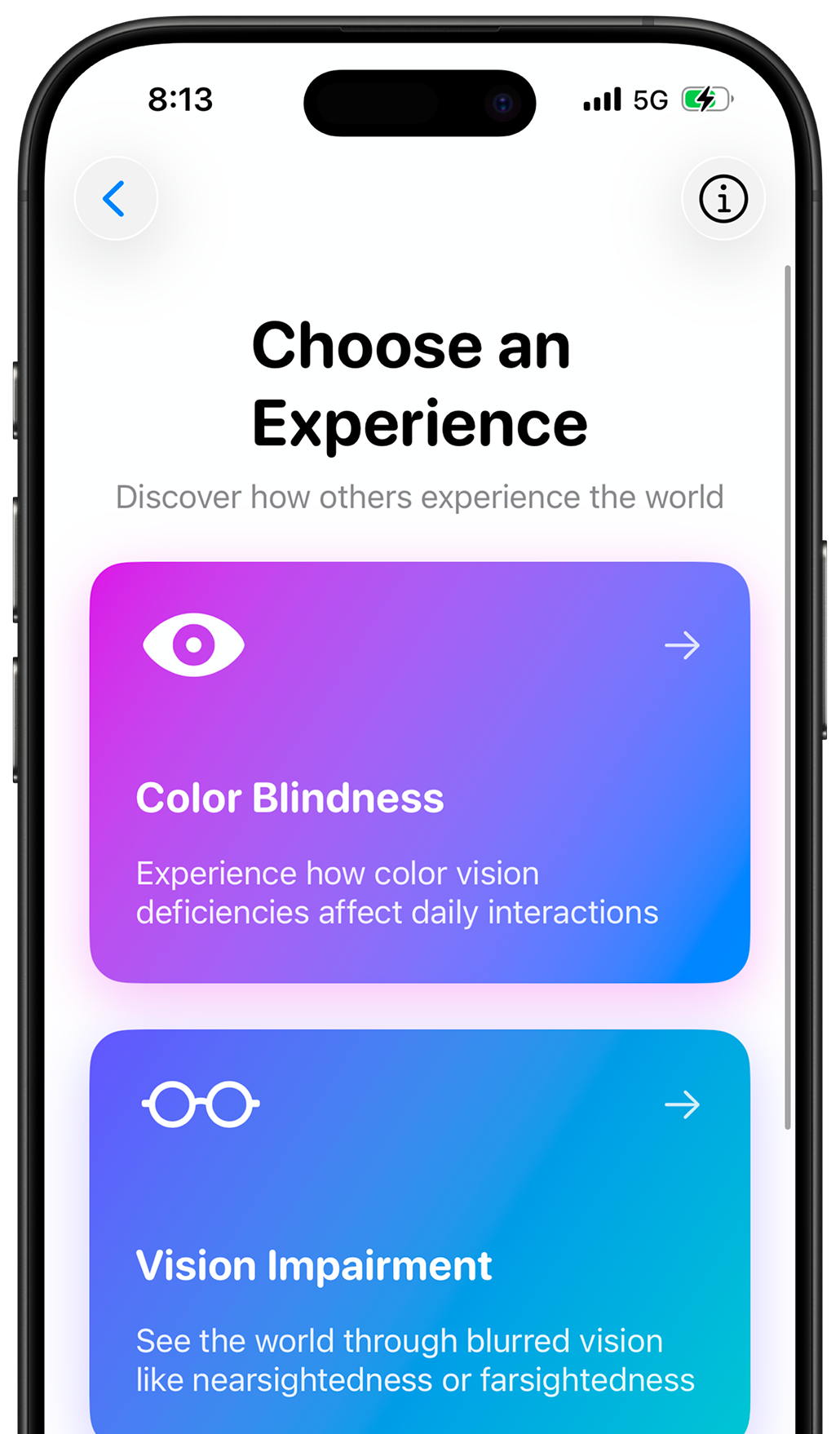
BUILT WITH ACCESSIBILITY IN MIND
Following Industry Standards & Best Practices
iOS & Swift
Native App
WCAG 2.1
Standards
Accessibility
First Design
Privacy First
Zero Data
Features
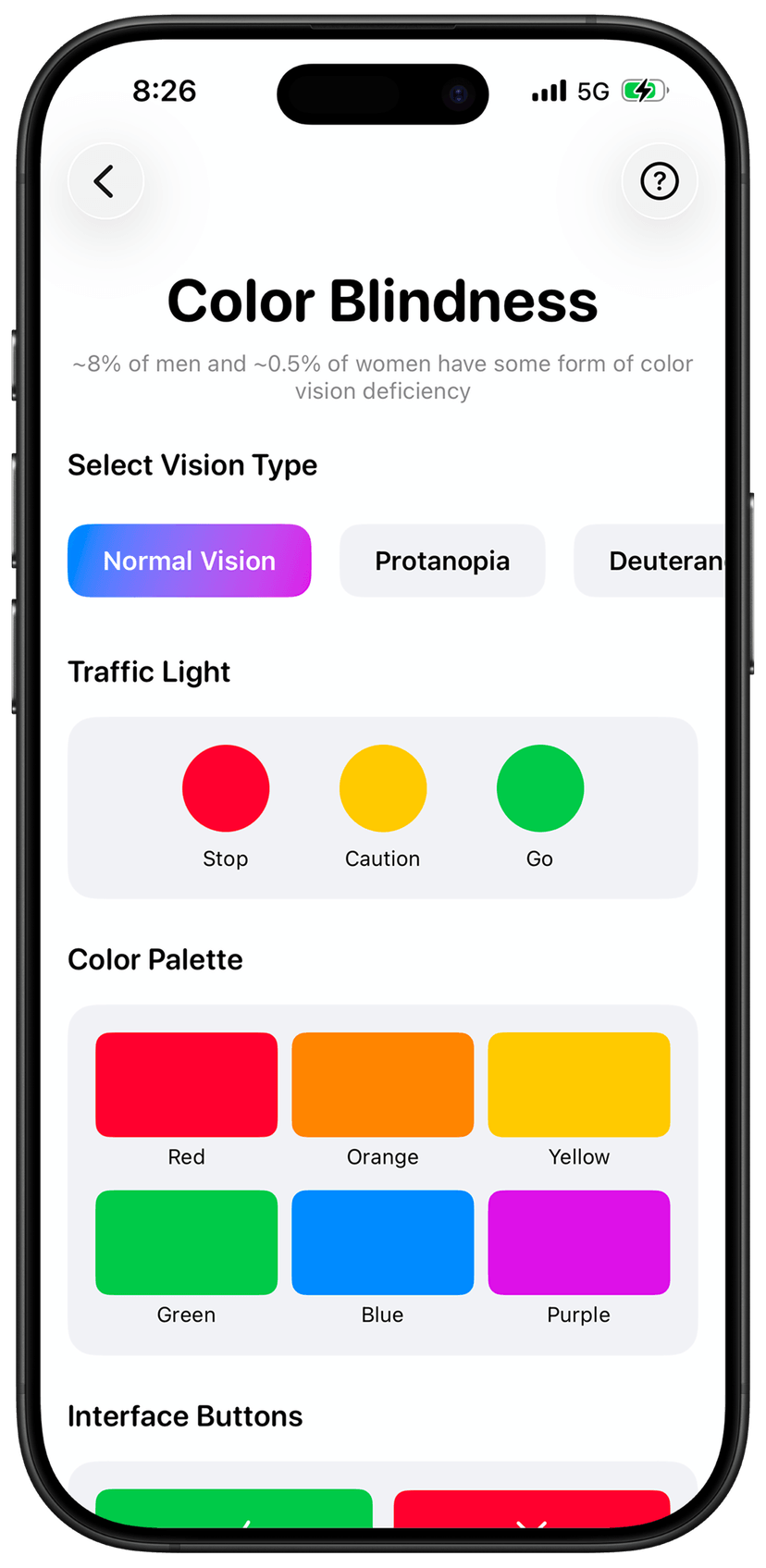
Color Blindness Simulation
Experience how ~8% of men and 0.5% of women see the world differently. Understand the challenges of color vision deficiency in daily digital interactions.
5 Vision Types
Simulate Protanopia, Deuteranopia, Tritanopia, Achromatopsia, and Normal Vision with real-time switching.
Interactive Demos
Test traffic lights, UI buttons, charts, and graphs to see how color-dependent designs affect accessibility.
Design Tips
Learn best practices for creating color-blind friendly interfaces with prevalence statistics and guidelines.
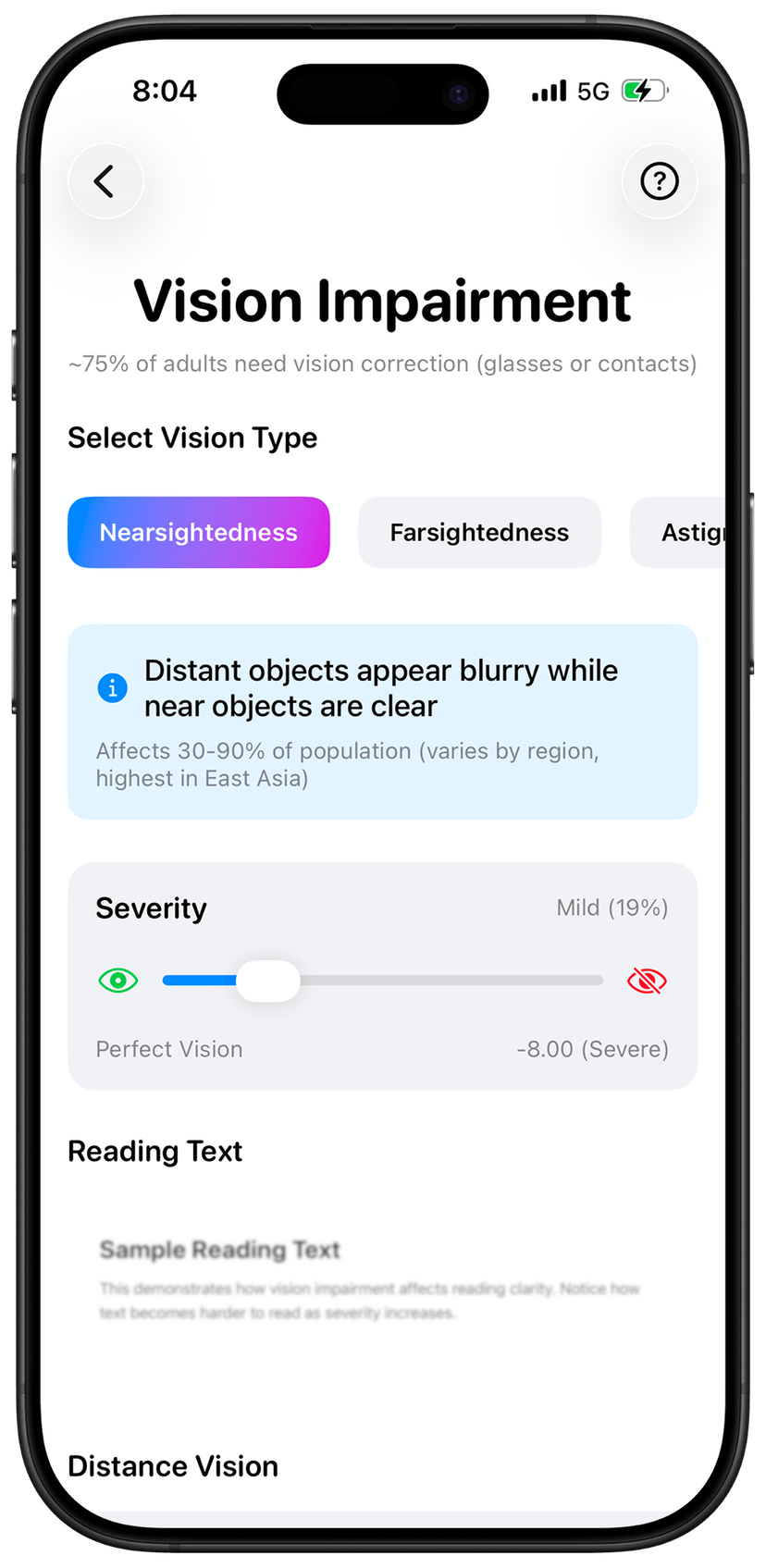
Vision Impairment Simulation
Experience nearsightedness, farsightedness, astigmatism, and age-related vision changes with medically accurate blur effects.
Multiple Conditions
Simulate Myopia, Hyperopia, Astigmatism, and Age-Related vision impairments realistically.
Adjustable Severity
Slide from mild to very severe (0-100%) to understand different levels of vision impairment.
Accessibility Guidelines
Get recommendations for font sizes, contrast ratios, and clear layouts for better readability.
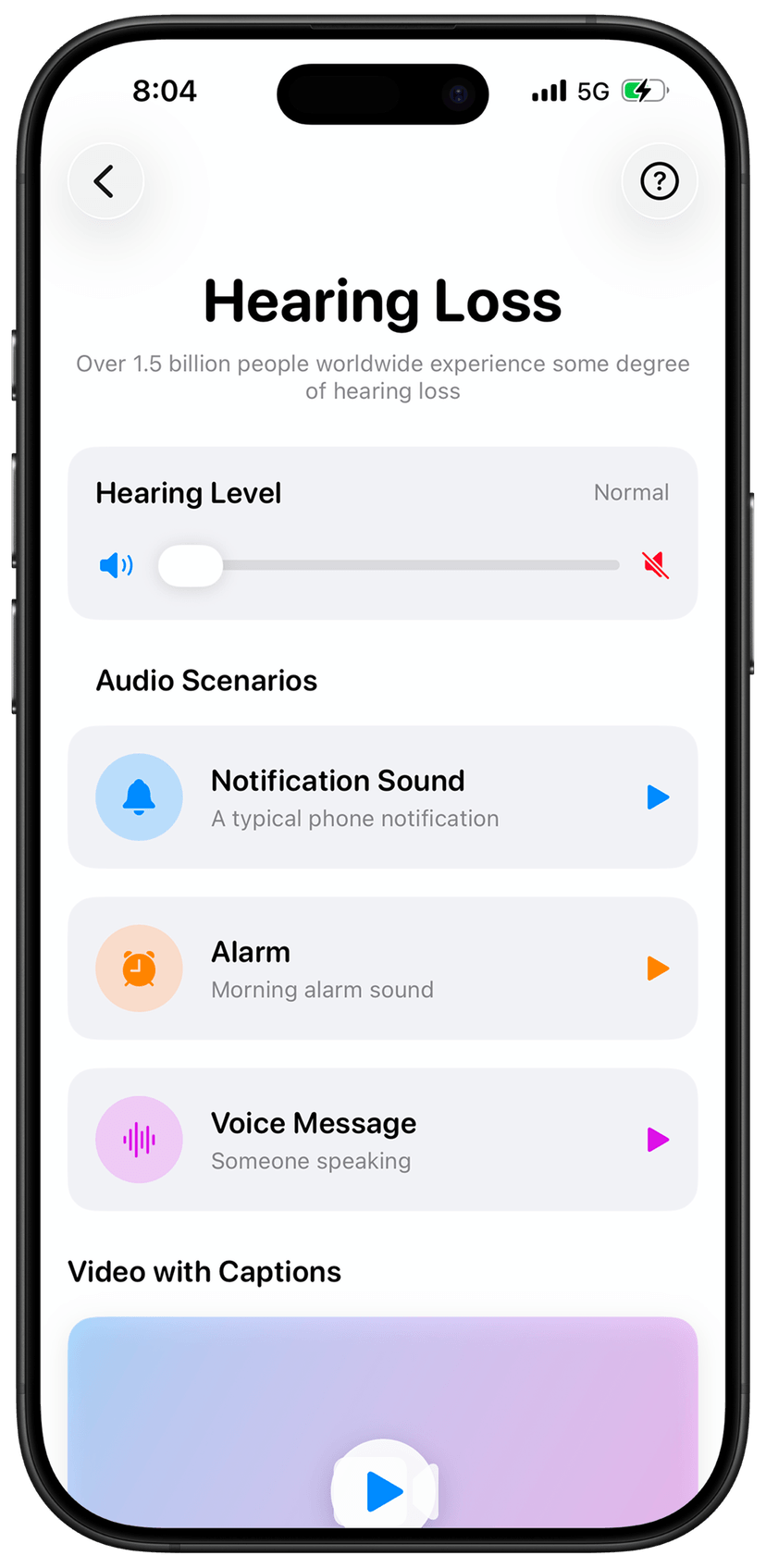
Hearing Loss Simulation
Understand how 1.5+ billion people worldwide experience sound, with adjustable hearing loss levels and visual alternatives.
4 Hearing Levels
Experience Normal, Mild, Moderate, and Severe hearing loss with frequency-filtered audio.
Real Audio Scenarios
Test notification sounds, alarms, and voice messages with audio visualizer and intensity indicators.
Visual Alternatives
See the importance of captions and haptic feedback matching audio intensity.
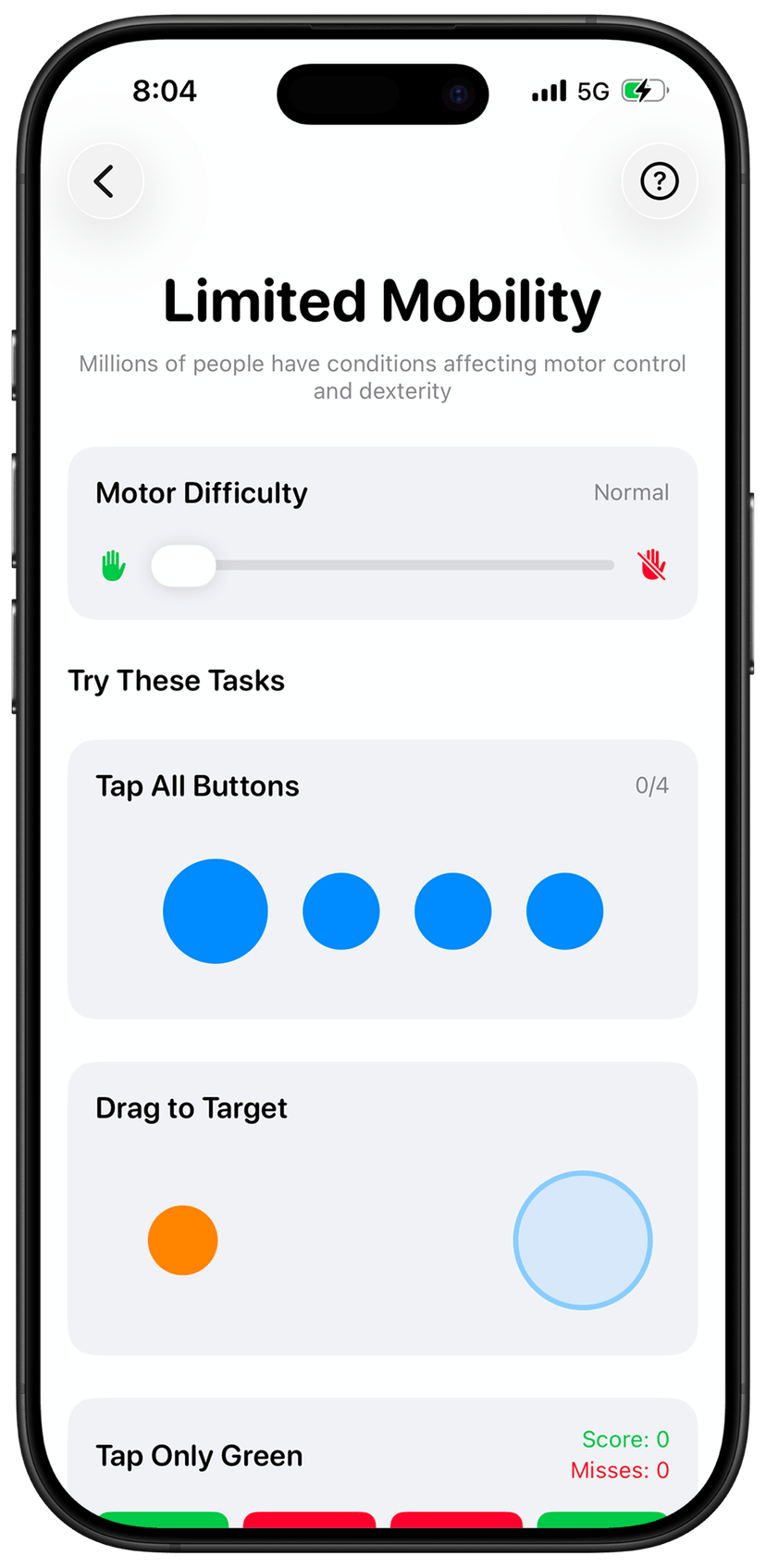
Limited Mobility Simulation
Feel the challenges of precise motor control with tremor simulation and interactive tasks that reveal the importance of accessible design.
4 Difficulty Levels
Progress from Normal to Mild, Moderate, and Severe motor difficulty with realistic tremor effects.
Interactive Tasks
Try button tapping, object dragging, and precise selection with real-time feedback on success rates.
Touch Target Tips
Learn why 44x44pt touch targets, adequate spacing, and alternative input methods matter.
Completely Free
No ads, no subscriptions, no hidden costs. Built to promote accessibility awareness.
No credit card required. No hidden fees. No subscriptions.
All 4 accessibility simulations
Color blindness experience
Vision impairment simulation
Hearing loss scenarios
Limited mobility challenges
Educational content included
No ads or subscriptions
Built for Apple Swift Student Challenge
Available on iOS • No account needed • Completely offline
Why Accessibility Matters
Understanding the impact of inclusive design.
1 in 4
People worldwide live with some form of disability, affecting how they interact with technology.
8%
Of men have color vision deficiency, making color-dependent designs inaccessible.
1.5B+
People experience hearing loss globally, requiring visual alternatives for audio content.
4 Types
Of accessibility simulations in Unseen: Color Blindness, Vision, Hearing, and Mobility.